

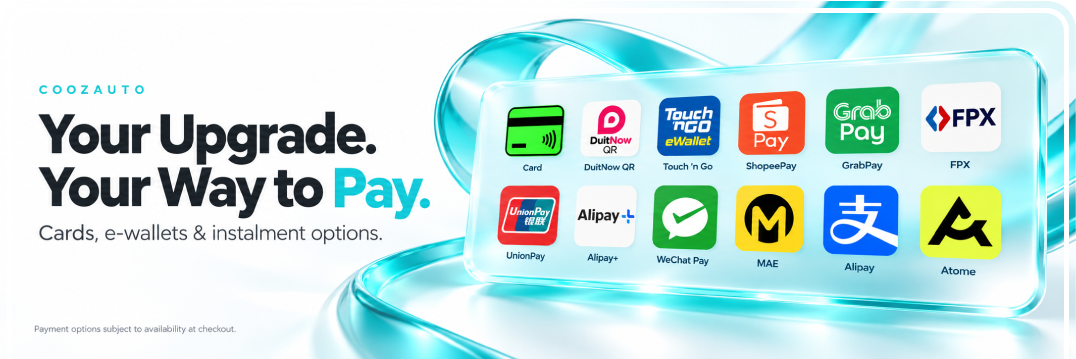
Your next car upgrade starts here. Explore our payment options and choose an available method that suits you at checkout.
Available payment methods will be displayed when you check out.
Select the card payment option at checkout and follow the instructions to complete your purchase.
Choose FPX, select an available bank and follow the bank’s instructions to authorise your payment.
Choose from the QR and e-wallet options available for your order at checkout.
Payment methods are subject to availability at checkout.
Look for Atome at checkout to explore the payment options available for your order.
If available, select Atome and follow the instructions to review your payment schedule before confirming.
Subject to provider approval and terms. Review eligibility, spending limits, payment dates and any applicable fees before proceeding.
Select your products and check the model, variation and quantity.
Proceed to checkout and confirm your contact and delivery details.
Select an available method and review the total payable.
Follow the payment instructions and check your order status.
Check your transaction and order status before trying again. If you have been charged but have not received an order confirmation, contact our team with your order number and payment reference.
Never share your card PIN, CVV, banking password or OTP. When sending payment proof, hide sensitive account and card details.
Contact our customer service team with your order number and a brief description of the issue.